 New · Consumer · Photography
Lagu Chitra
Private photo collages, made in seconds.
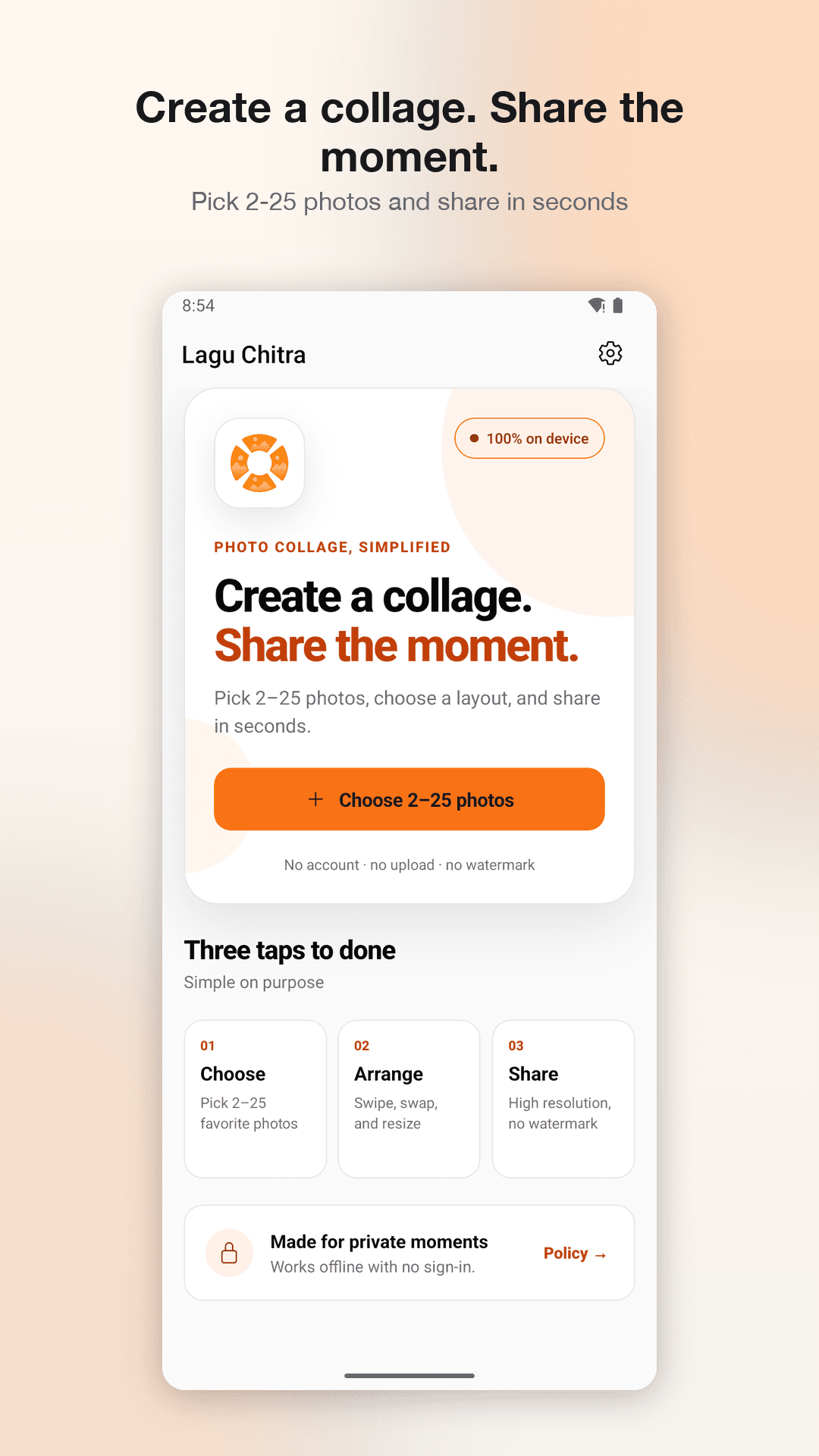
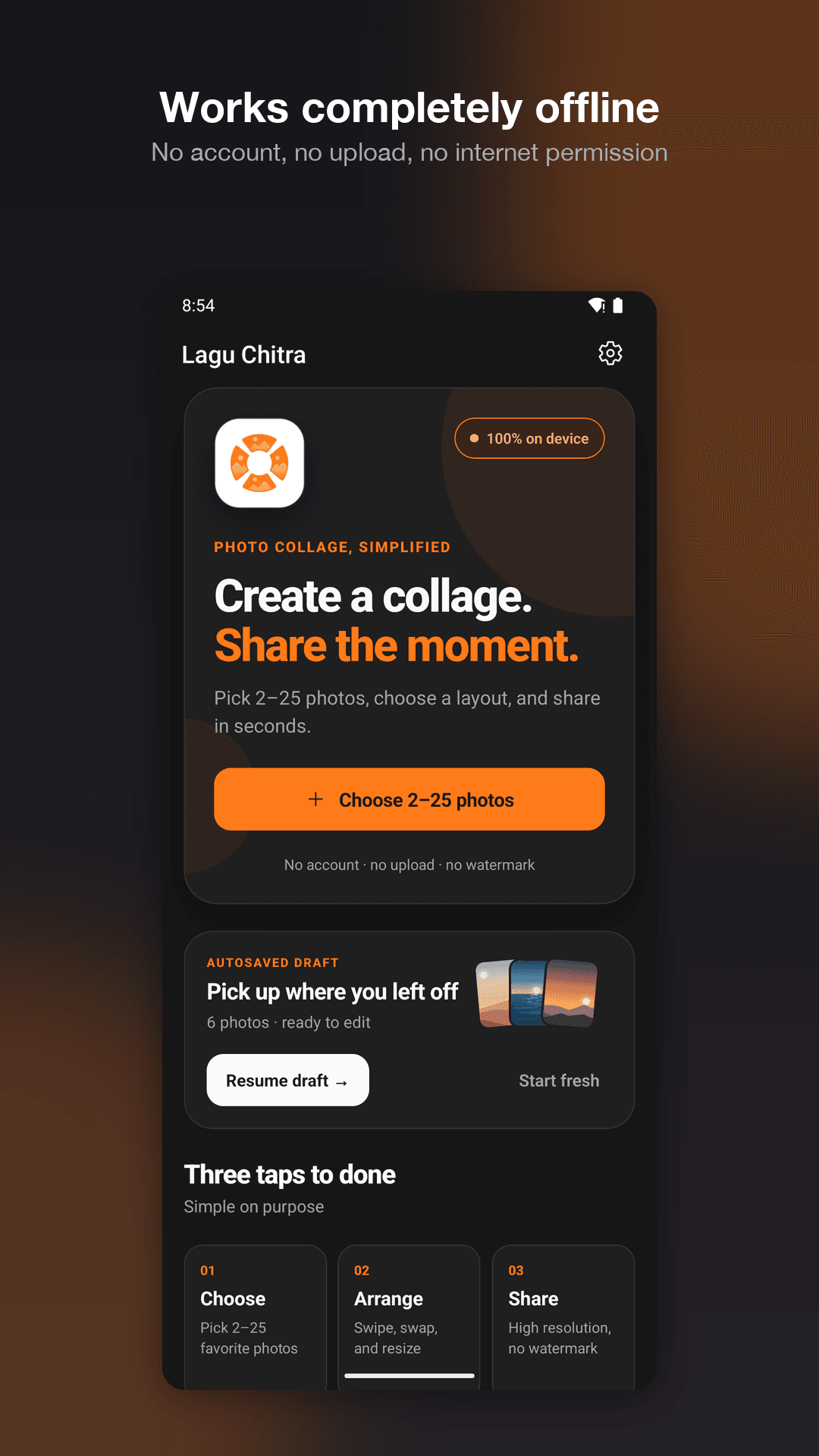
Most collage apps ask you to sign in, upload your photos, and then stamp a watermark on the result. Lagu Chitra does none of that. Choose 2–25 photos with the system photo picker, start from a layout suggested for that many photos, adjust with direct gestures, and export up to 4096 px as PNG or JPEG. Every step happens on your device — the Android release does not even request the Internet permission, so it works exactly the same in aeroplane mode.
Screenshots
See it in action
Features
Everything in Lagu Chitra
Layouts that fit your photos
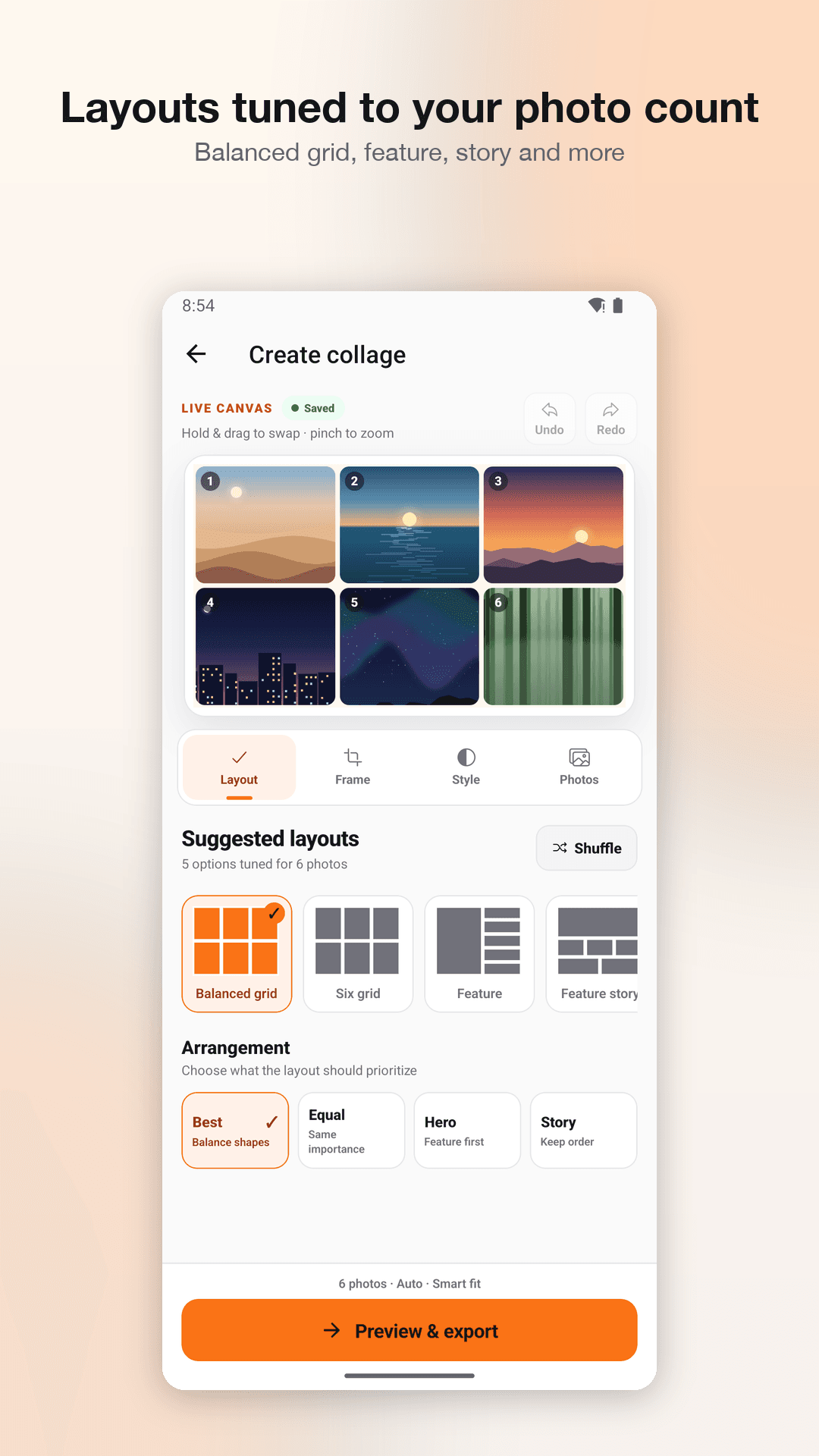
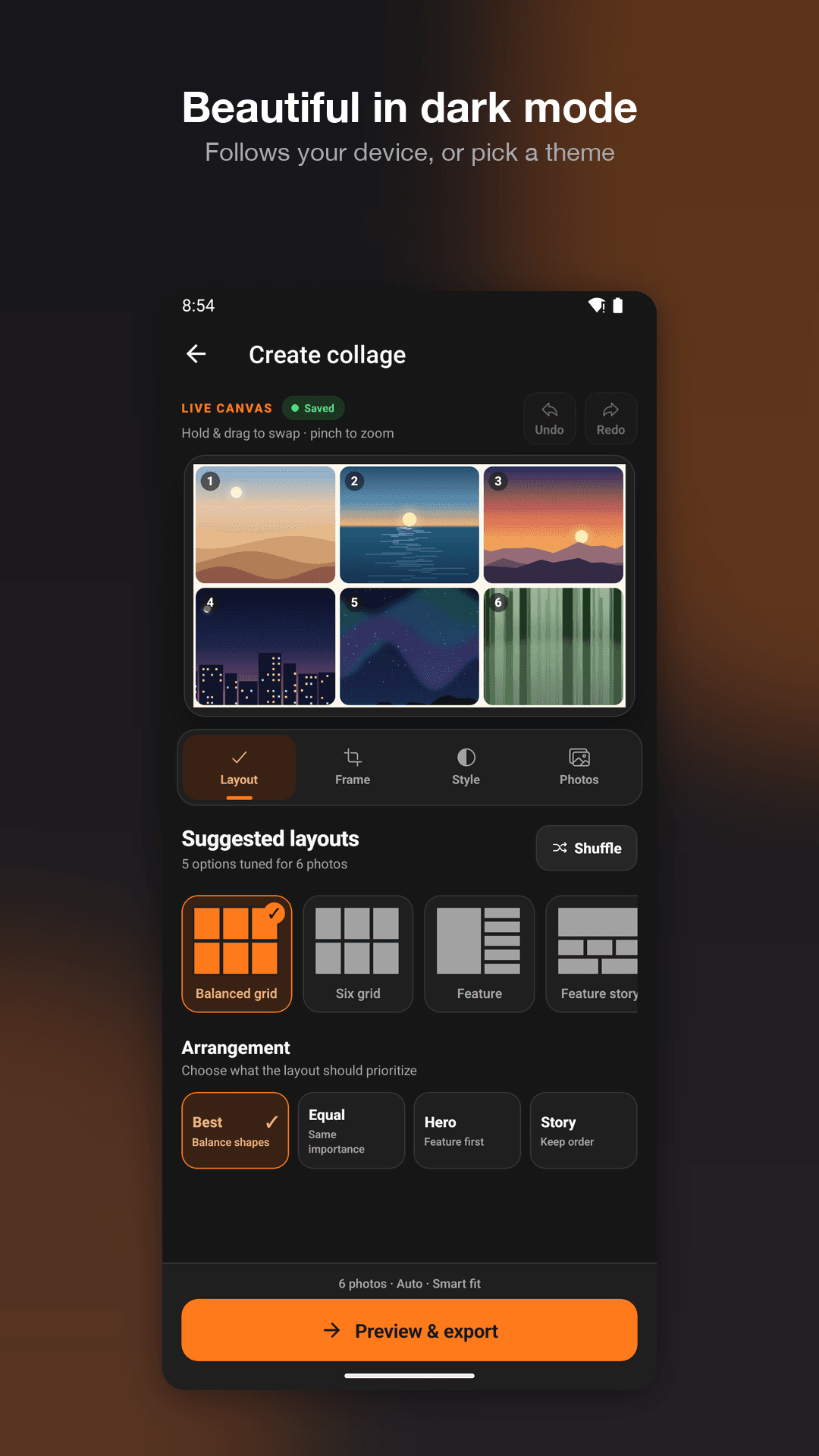
Suggested layouts are tuned to how many photos you picked — balanced grid, six grid, feature, feature story, and free-form arrangements.
Arrangement priorities
Tell the layout what matters: balance shapes, give every photo equal importance, feature one first, or keep the order you chose.
Canvas ratios & framing
Square, portrait, story, A4, and wallpaper canvases, with smart fit, no-crop, and edge-to-edge framing modes.
Direct, quick control
Press and hold a photo, then drag it onto another to swap. Drag to reposition, pinch to zoom, double-tap to reset.
Undo, redo, autosave
Every step is reversible, and drafts autosave as you work so an interrupted collage is still there when you come back.
True high-resolution export
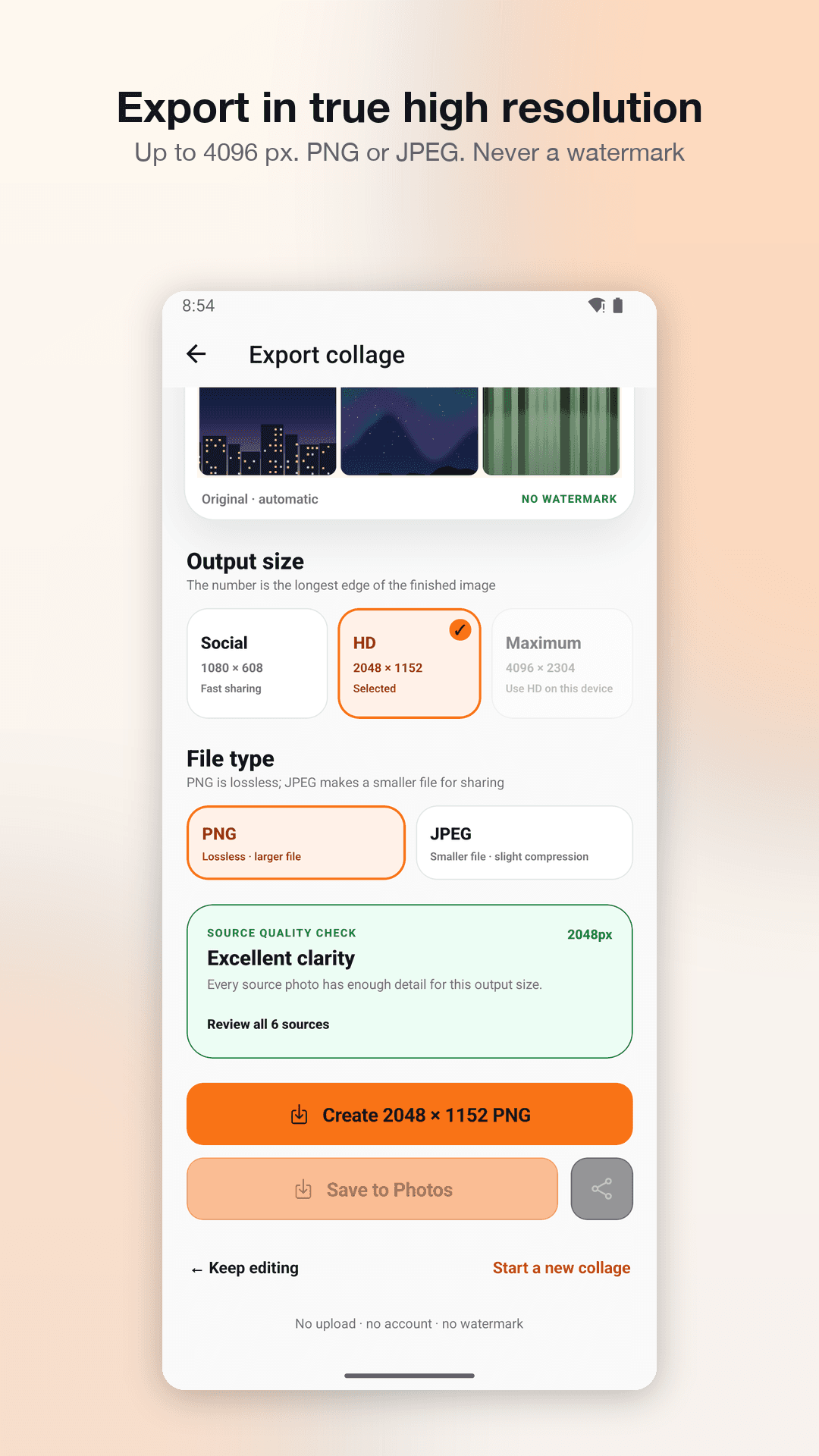
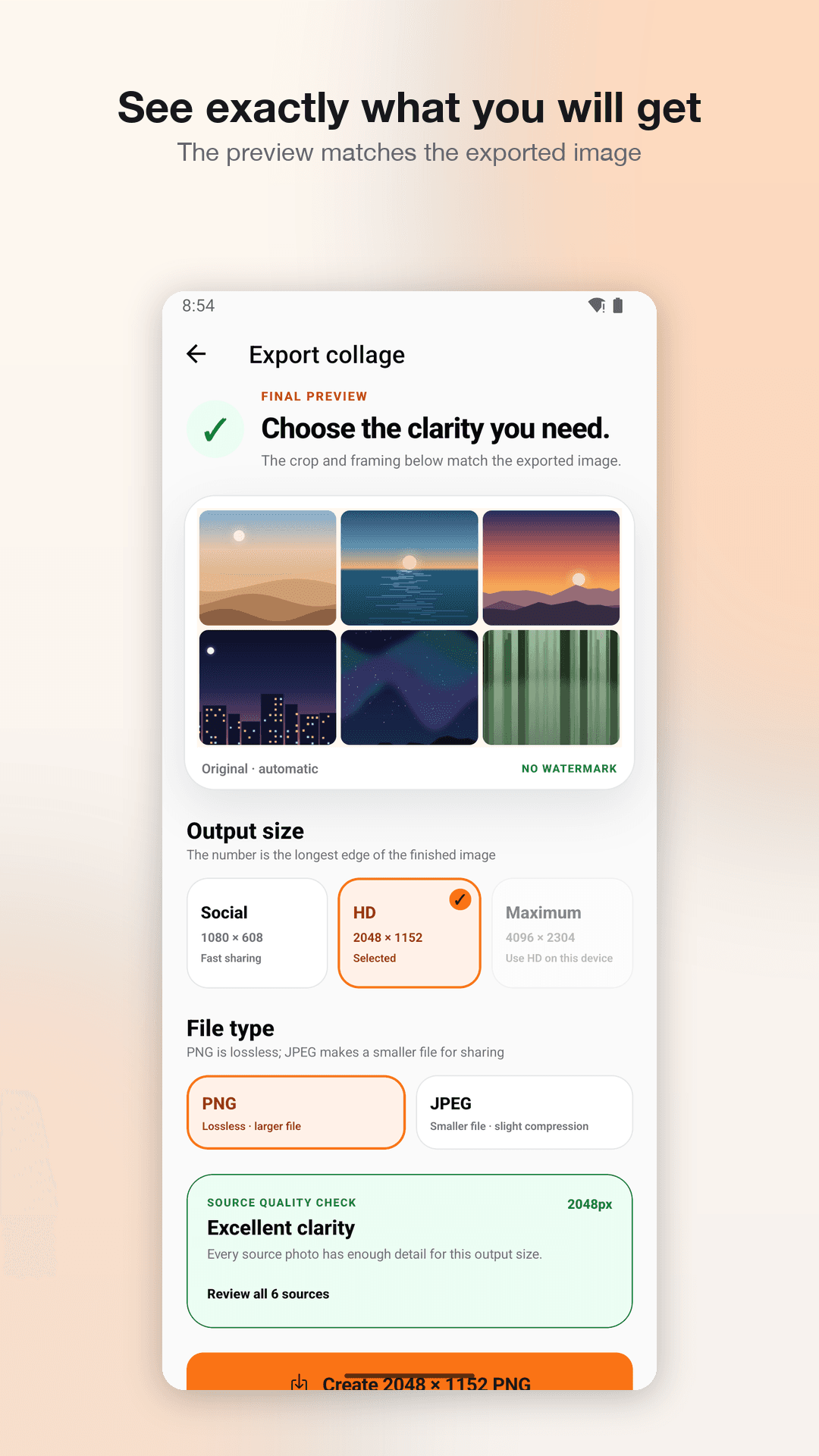
Social, HD, and maximum output sizes — up to 4096 px on the longest edge — as lossless PNG or a smaller JPEG.
Source-quality check
Before exporting, the app warns you if the output size is larger than your source photos can actually support.
Save & share on your terms
Add-only photo access is requested only when you tap Save to Photos, and the share sheet opens only when you ask for it.
No internet, no account
No sign-in, no cloud, no analytics, no advertising, no watermark, and no subscription. Your photos never leave your device.
How it works
Up and running in three steps
Choose
Pick 2 to 25 photos with the system photo picker — the app never sees the rest of your library.
Arrange
Start from a suggested layout, then swap, drag, pinch, and adjust spacing and background.
Share
Export up to 4096 px as PNG or JPEG, then save to Photos or share — with no watermark.
Ready to try Lagu Chitra?
Get started today, or reach out and we'll be glad to help.